

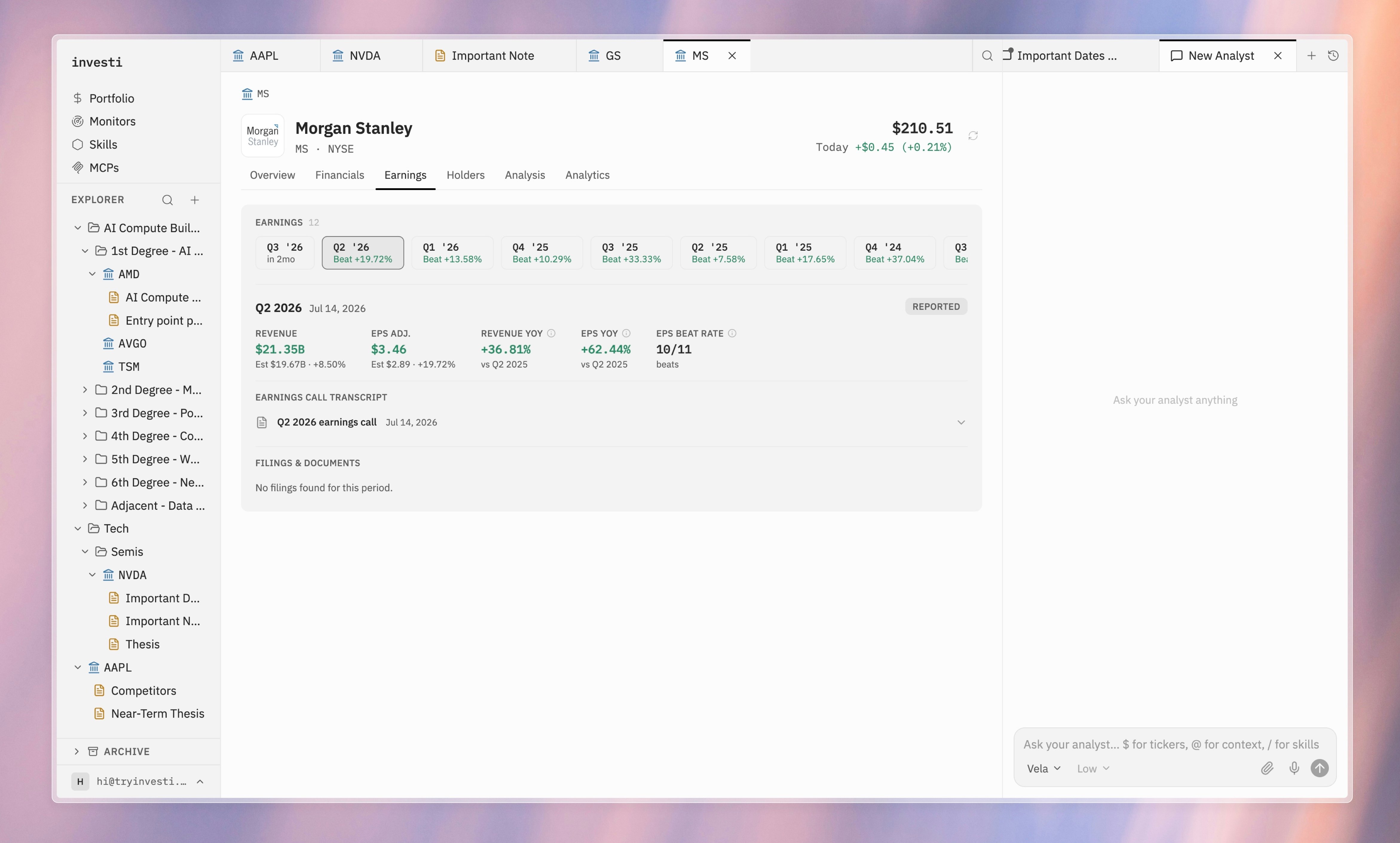
Per-quarter view
Select a quarter to see:- A Reported or Upcoming badge.
- Revenue and adjusted EPS: actual against estimate, with the surprise percentage.
- Year-over-year growth for both revenue and EPS, and the company’s EPS beat rate.
Earnings call transcripts
When a transcript exists, the quarter has an expandable Earnings call transcript section with the full transcript inline. Some reported quarters have none; the section says so. For upcoming quarters, it notes that the transcript will be available after the call. Transcripts are where the analyst shines. Ask it about the call and it reads the transcript for you, with the source one click away in this section.What did management say about capex on the call?