

Skill
A process
The same checks on demand
Monitor
A request on a clock
The same question, later, without you there
Subagent
A specialist
Not this. A run is a normal conversation.
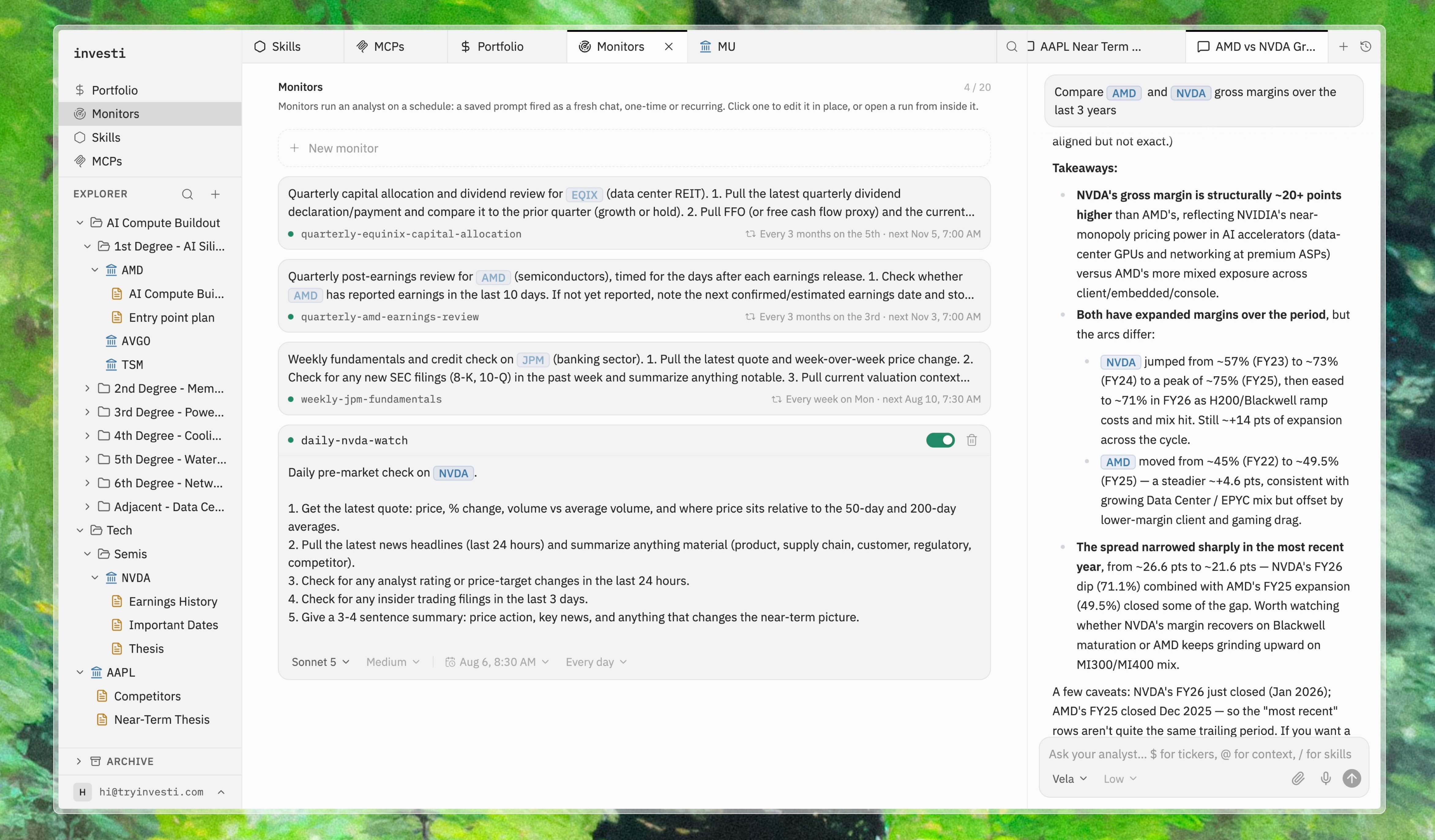
Writing a monitor
A monitor has two parts: a title, which is how it appears in the Monitors list and how you’ll recognize its runs later, and the prompt that defines what it does. The prompt is a full analyst request, so everything that works in chat works here. Point at a company with$, or a note or folder with @, and the analyst reads them before it starts. A monitor that checks a thesis actually opens the thesis.
Summarize overnight news for and flag anything that touches a thesis.
Common uses: a morning brief every weekday at 7am, a competitive check on one company every Friday, a one-off read of an earnings release the morning after it drops.
Scheduling
The schedule works the way a calendar event does. You pick a first run in your timezone, and the repeat menu offers the common rules that follow from it: run once, every day, every weekday, every week or every second week on that day, monthly on that date or on that weekday, yearly. Custom covers everything else a calendar can say: every N days, weeks, months or years; only in certain months; on chosen weekdays, on the 1st, 2nd, 3rd, 4th or last of those weekdays each month, or on specific days of the month including the last. The fourth Thursday of November, the 1st and 15th of every quarter, Fridays from June to August. Advanced takes a bare iCalendar recurrence rule such asFREQ=WEEKLY;BYDAY=MO,WE;COUNT=8, for rules with an end date or a fixed number of runs. The RRULE generator at icalendar.org builds one from a form. The rule is checked before it is saved. Whatever the rule, the time of day is the first run’s time, and a monitor runs at most once a day.