

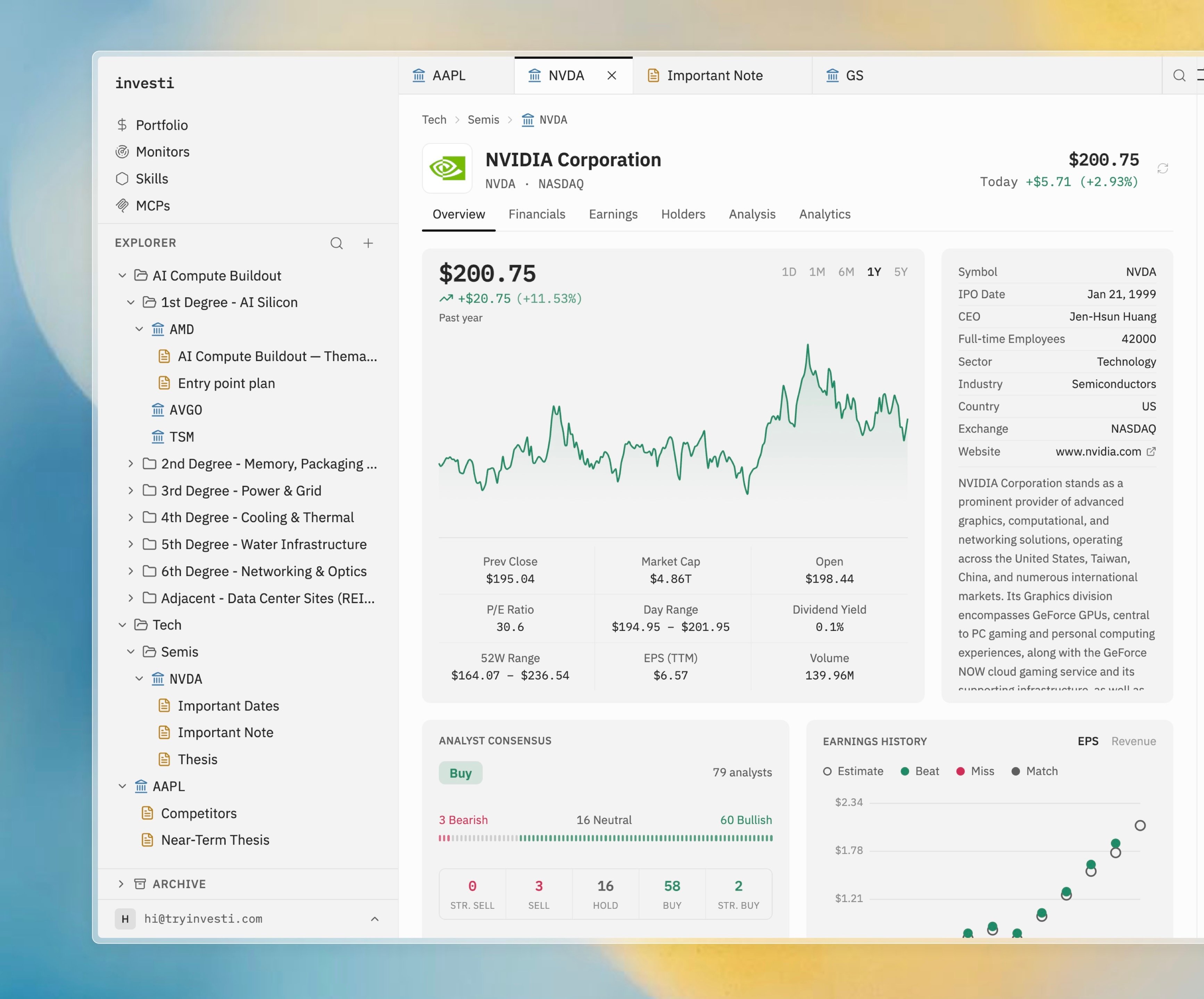
What goes in the tree
Three kinds of items, freely nestable:- Folders: containers for anything, including other folders.
- Companies: a ticker; opens the company dashboard and can hold notes of its own.
- Notes: markdown documents; see Notes.
Adding items
Select the + button in the explorer header or right-click a container, then choose Add Company, New Note, or New Folder. Adding a company opens a live search: type a ticker or company name and pick a result or press Enter. The ticker is validated before it lands. Shortcuts: Cmd+Shift+O adds a company, Cmd+Shift+D creates a note. See Keyboard shortcuts.Moving things around
- Drag and drop: drag any row into a folder or company. Multi-selected items drag together.
- Multi-select: Cmd-click to toggle, Shift-click for a range, Cmd+A for everything.
- Rename: press F2 or use the context menu.
- Keyboard navigation: arrow keys move and expand/collapse; Enter toggles a folder.
Archiving
Stop following a company without losing a single note: choose Archive from the context menu, or drag items onto the Archive section at the bottom of the explorer. Archived items keep everything and can be unarchived from their context menu. They are excluded from@-mention suggestions but remain reachable under .
Deleting
Delete in the context menu (or the Delete key) removes the selected item along with everything inside it: a folder takes its companies and notes with it, and a company takes its notes.Explorer search
The search icon in the explorer header searches companies and notes already in your tree: tickers, company names, note titles, and note bodies. Click a result to open it. To add a company you don’t have yet, use Add Company or a$ mention in chat.
A warning-colored dot on a note means the analyst has proposed an edit awaiting your approval; parent folders show a dimmed dot so proposals are findable from anywhere in the tree.