

1
Sign in
Go to tryinvesti.com/signin and choose one of two options: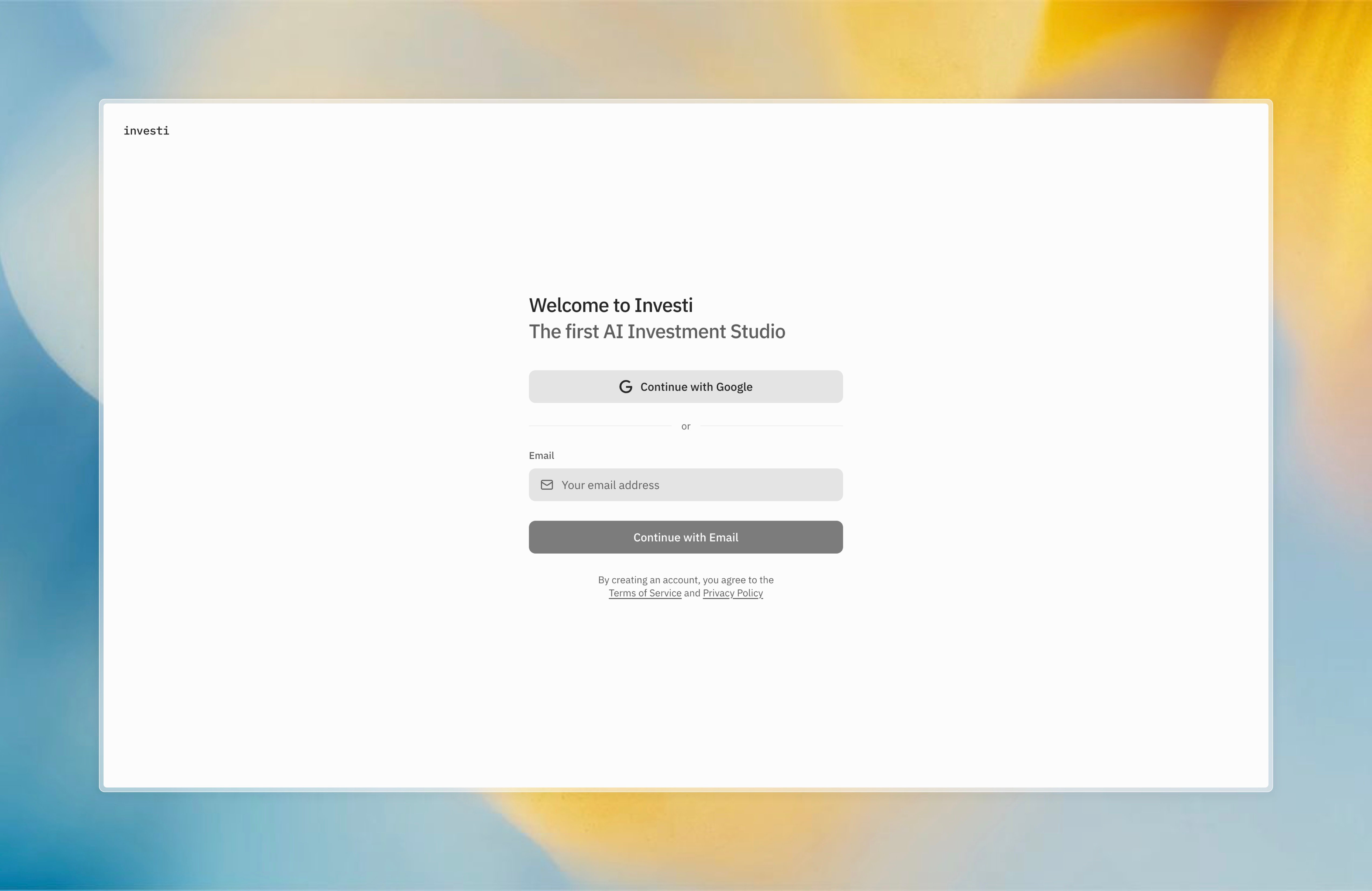
- Continue with Google: signs you in with your Google account.
- Email code: enter your email and select Continue with Email. Investi sends you a 6-digit code; enter it and select Verify Code. If the code doesn’t arrive, you can resend it after 60 seconds.
Investi currently focuses on US-listed equities. It works from anywhere in the world.
2
Add your first company
In the Explorer on the left, select the + button (or right-click) and choose Add Company. Search by ticker or company name, for example
NVDA, and press Enter. The company appears in your tree and opens as a tab with its dashboard: price, financials, earnings, holders, and more.3
Ask the analyst
The chat panel on the right is your AI analyst. Type
$ to point it at a company, then ask a real question:How has ‘s data center revenue trended over the last 8 quarters, and what did management say about it on the latest call?
The $ points the analyst at that company. Watch it think, look up real financials and the transcript, and answer with its reasoning visible. Each lookup shows up as a pill you can open.4
Start a note
Right-click the company in the explorer and choose New Note to keep your thesis next to the data. Then ask the analyst to start it:
Draft a thesis note for from the latest quarter.
Notes are markdown, autosave as you type, and keep version history.When the analyst wants to write into the note, it shows a side-by-side edit. Approve it or decline it. Nothing lands until you do.Where to go next
The AI analyst
What it can see, what it can change, and what you can ask it to do.
Company dashboards
Everything in a company tab, section by section.
Portfolio
Connect your brokerage (or several, on Pro), read-only, and the analyst works from your actual positions.
Monitors
The same kind of request you’d type in chat, on a schedule.
Skills
Give the analyst a reusable process: install one, or ask it to draft one.
MCP servers
Connect a source of tools or data the analyst can call.